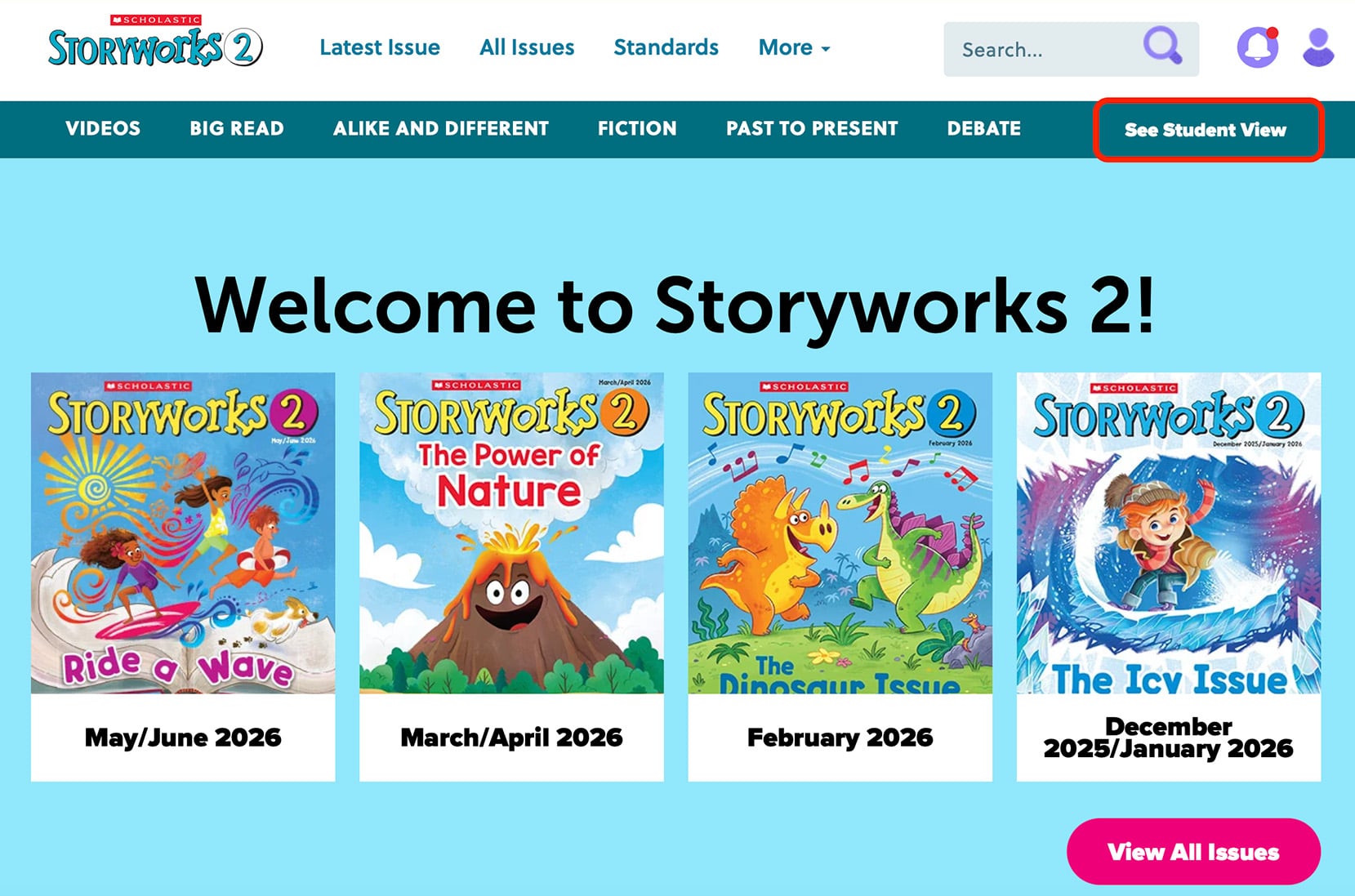
Understanding Student View
Understanding Student View
When you share the student view with your classroom, students see a stripped-down version of the website. When they log in, they’ll just be able to read issues, watch videos, and access PDF activities. The Teacher’s Guide, lesson plan, academic standards, and planning calendar are all restricted to the teacher view.
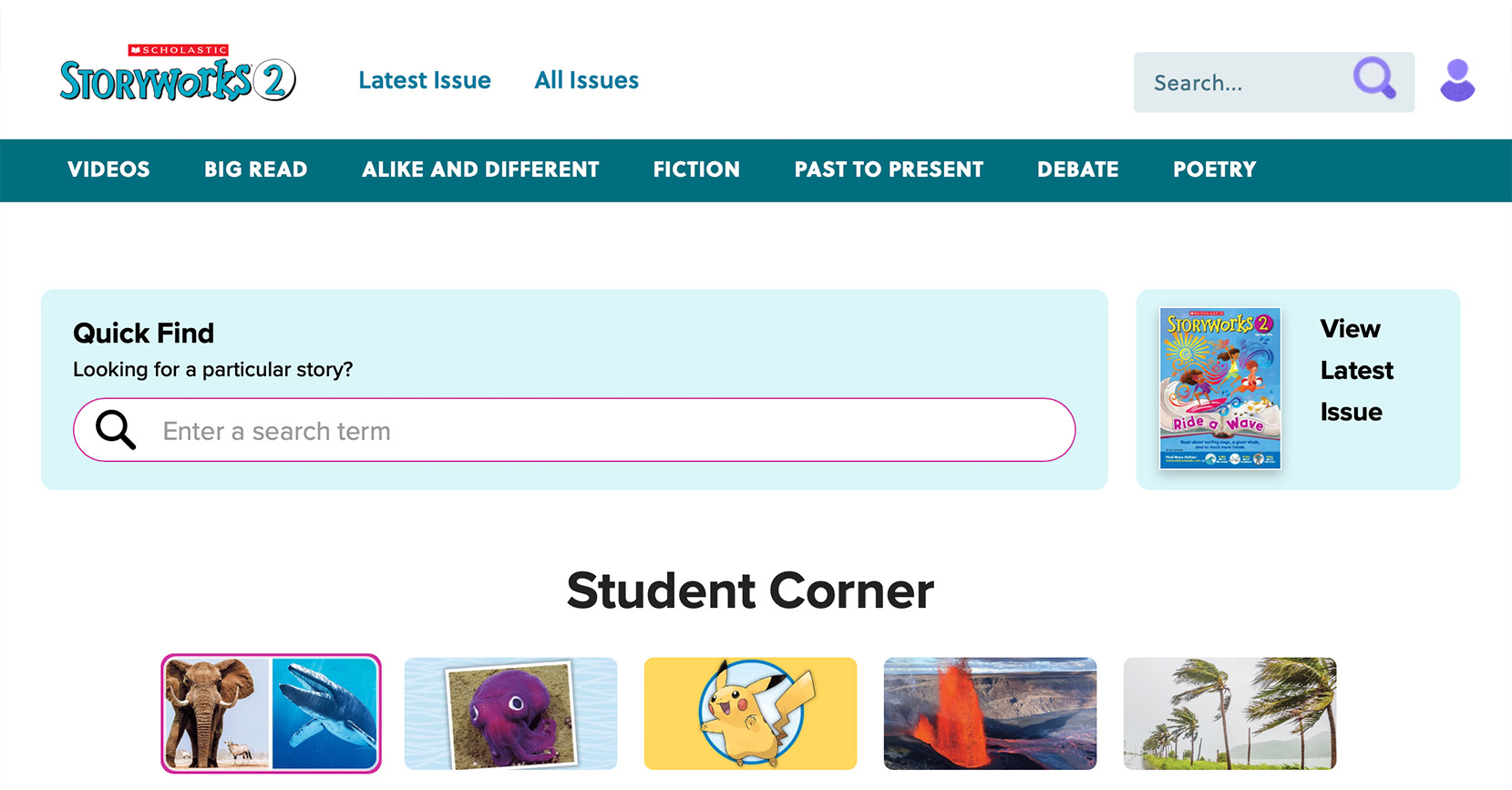
Do students see answer keys/lesson plans/activity sheets?
Do students see answer keys/lesson plans/activity sheets?
Your students won’t see anything that’s meant for teacher eyes only. When they log in, they’ll just be able to read articles, watch videos, listen to audio read-alouds, and view slideshows. Answer keys, lesson plans, and activity sheets are all restricted to the teacher view.
Is there a way I can preview student view?
Is there a way I can preview student view?
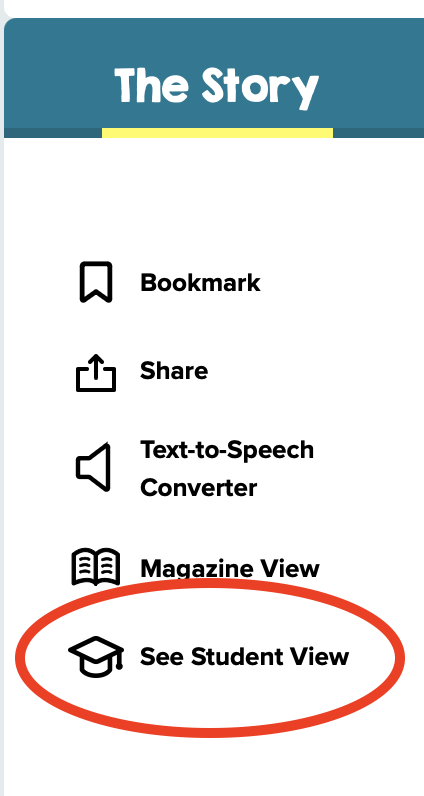
Yes! To the left of any article, click on the See Student View button to preview exactly what students will see when they view the page.
Or you can click the "See Student View" button on the homepage!